Your hardware.
Run Norri on your own computer or NAS with Docker.
A modern, fast, privacy-respecting personal media server.
Free server and web app. Apple apps via TestFlight.
See what’s included in the beta.
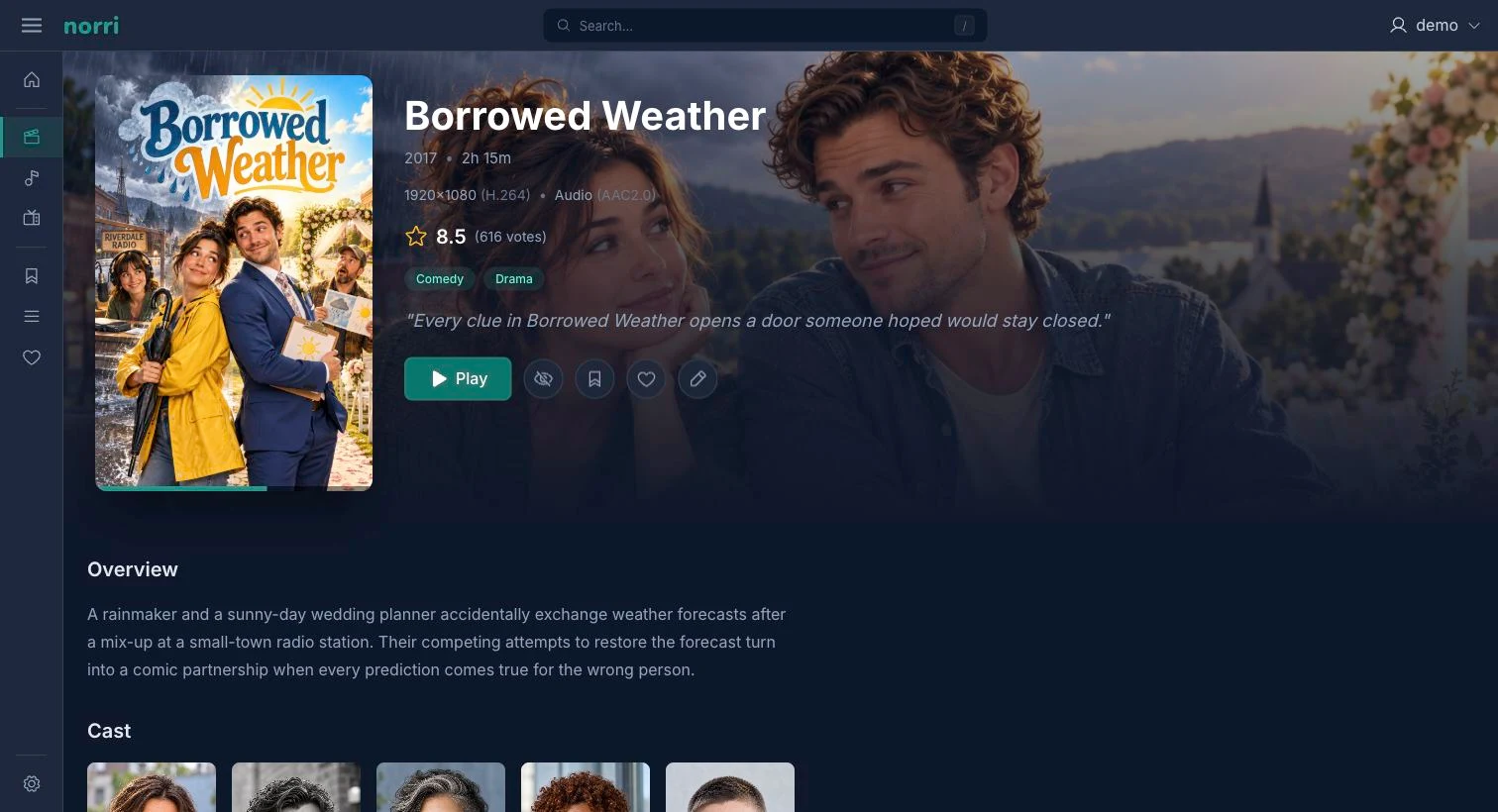
Run Norri on your own computer or NAS with Docker.
Organize your movies, TV shows, and music in their own libraries.
No usage telemetry or Norri cloud account. Your library and playback history stay on your server.
Browse your libraries, keep a watchlist, and pick up unfinished episodes. Find albums and artists, make playlists, and listen to your own music.
Built on PostgreSQL for large libraries. Browse and play locally without an internet connection or verification by a Norri service.
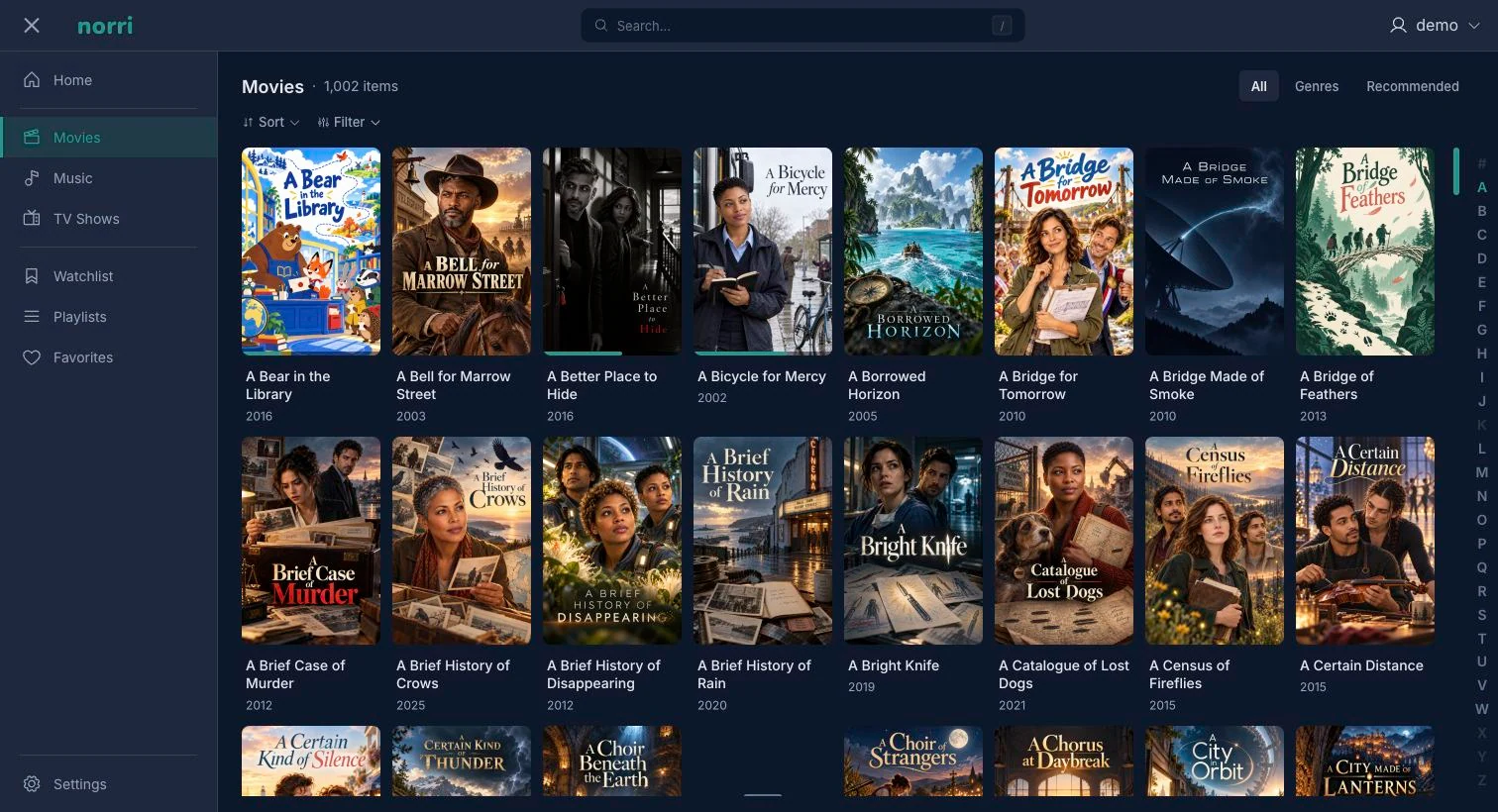
Norri web app
The web app is included with your server.
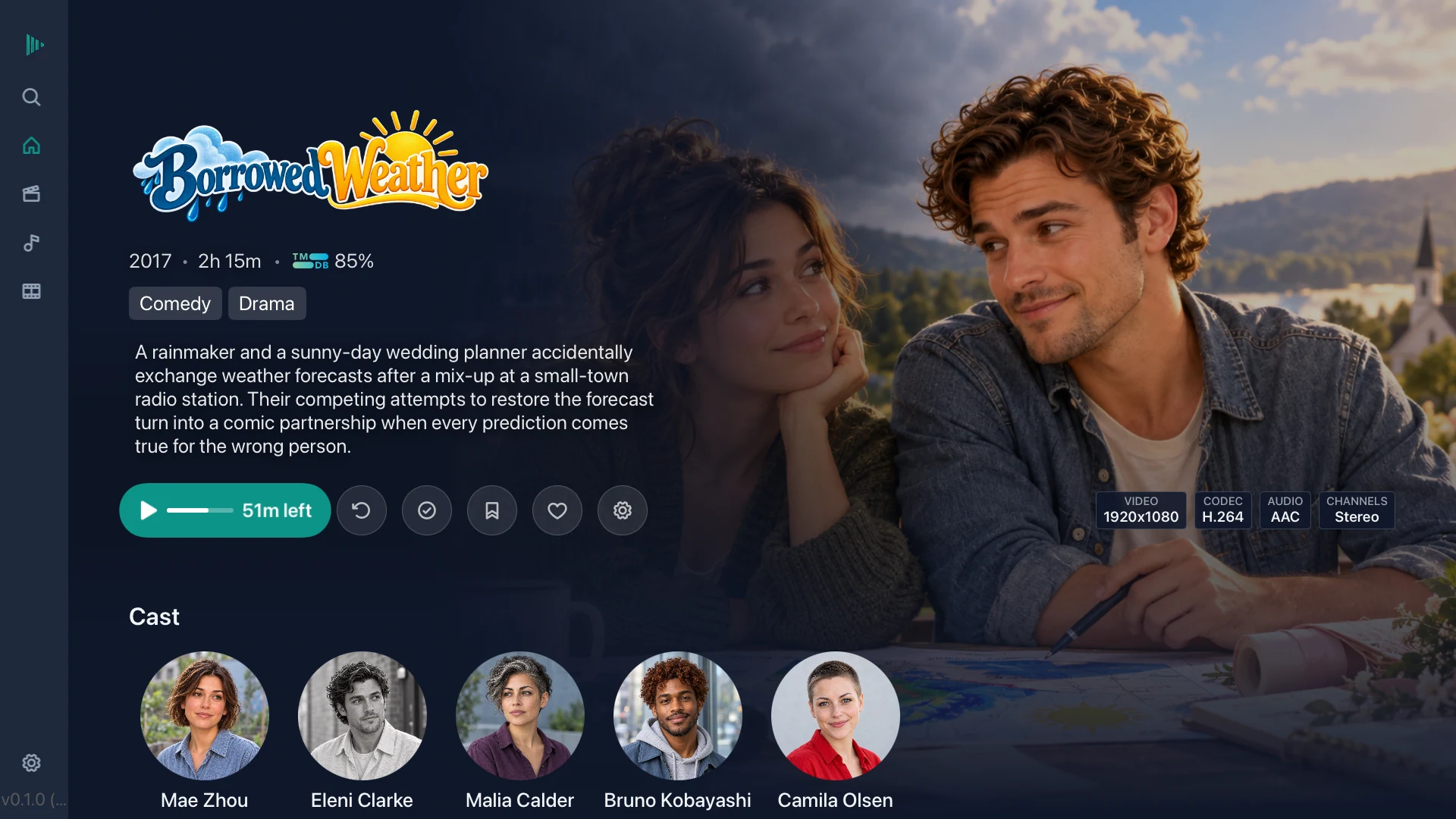
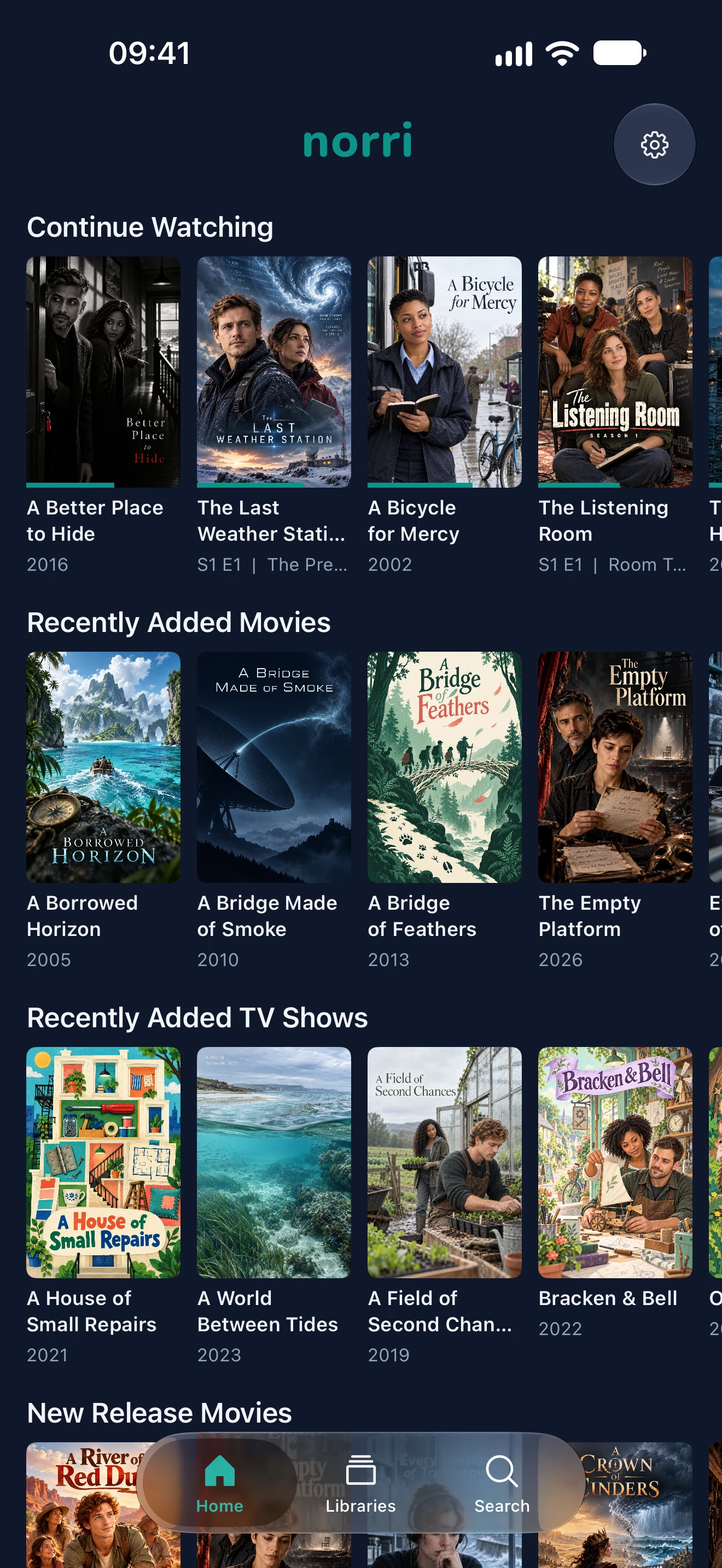
Browse with your TV remote, watch on your phone, or connect from your iPad. Each native app connects to your Norri server.
Download media in the iOS app to watch without a connection to your server.
Get the Apple apps →Free during Public Beta, through TestFlight.
Android and Fire TV apps are planned.
Use Docker to set up the free server. Choose the installation guide for your setup.
Installation guides →Connect the folders holding your movies, TV shows, and music.
Setup documentation →Open the web app, or connect an Apple app to your server.
Get the apps →Public Beta is available now. Join Discord for release updates, help, and discussion.
Try the free Public Beta on your own server. Join Discord for release updates, help getting started, and discussion with other users.